From three separate photos to one picture
These are demo images, not customer photos. They show how separate photos become a single scene.
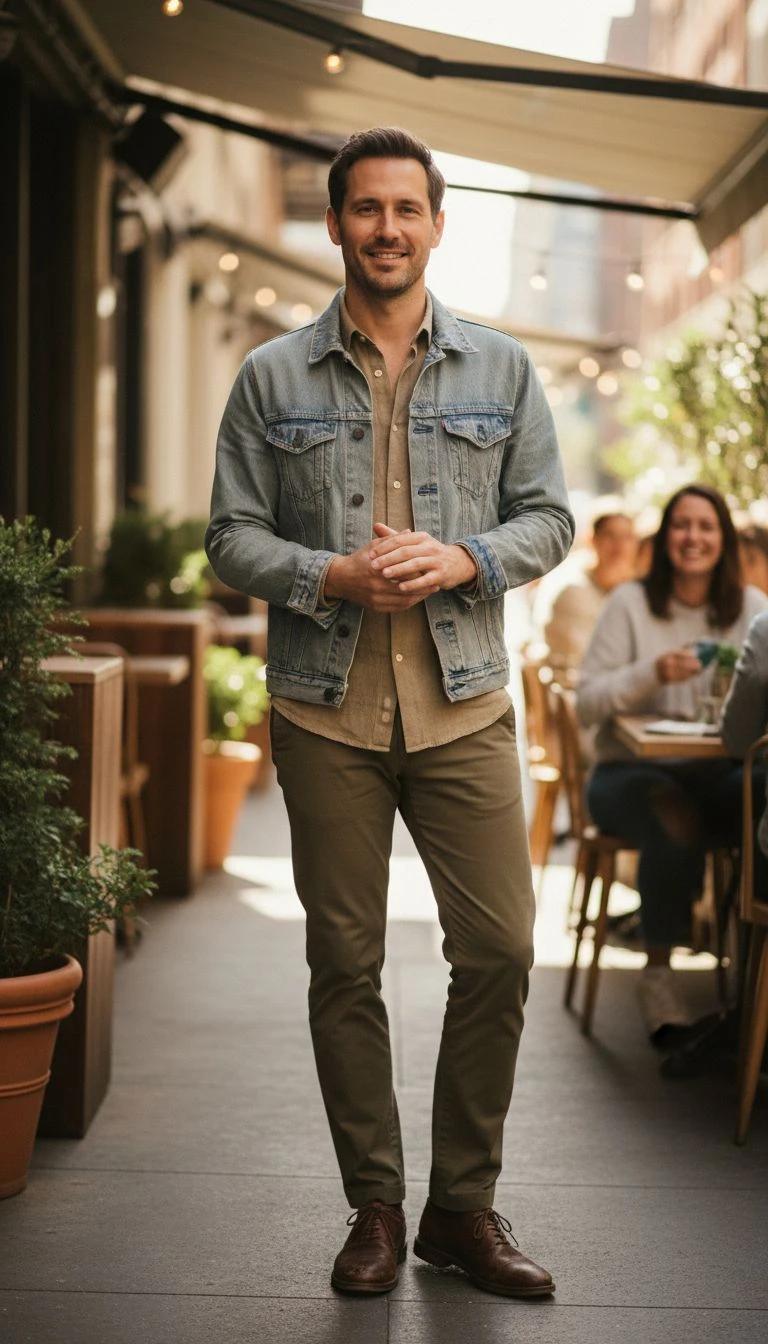
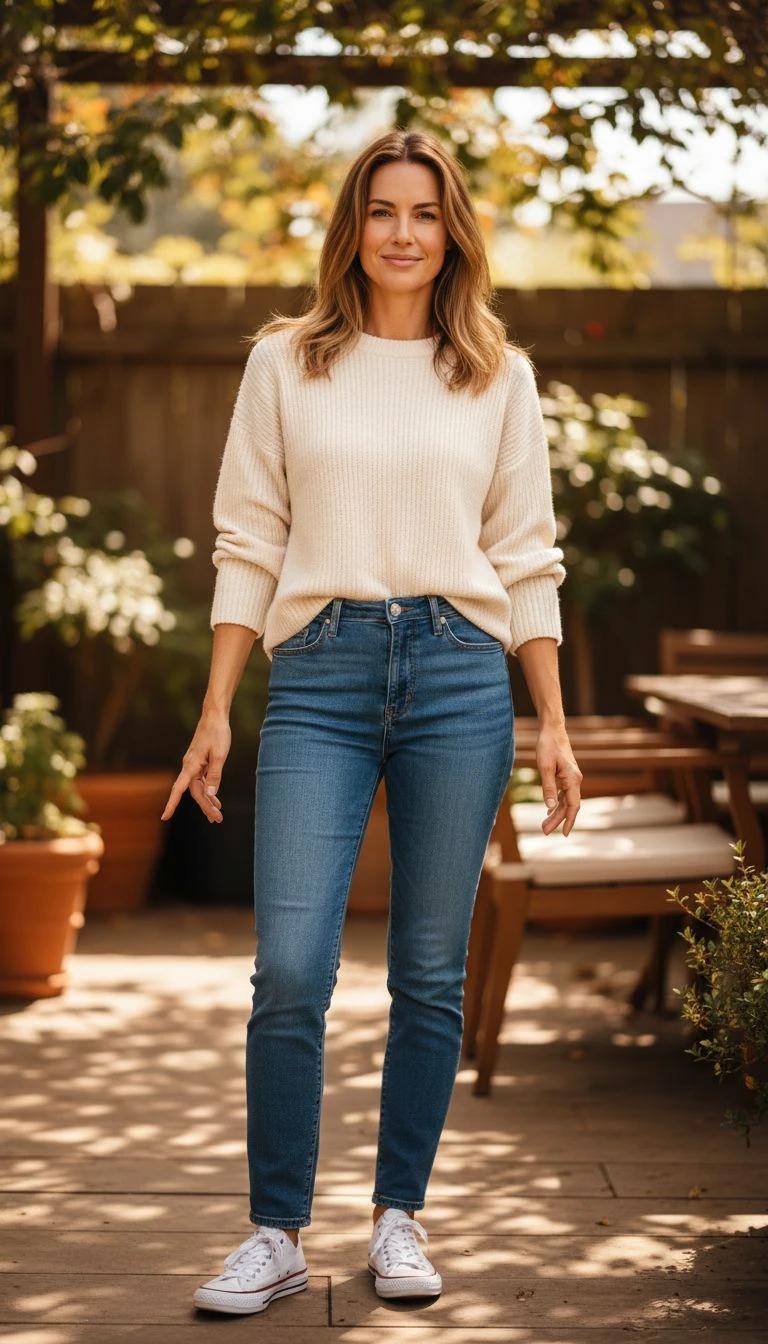
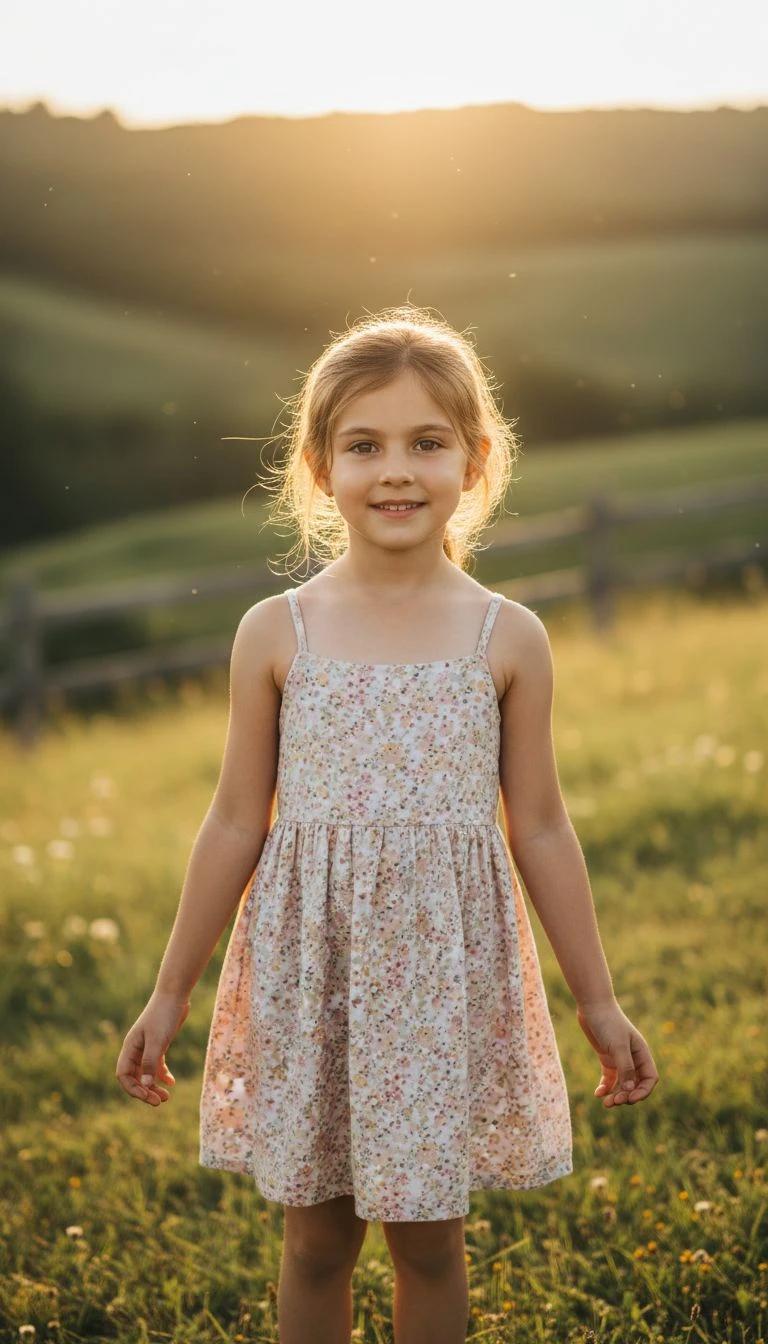
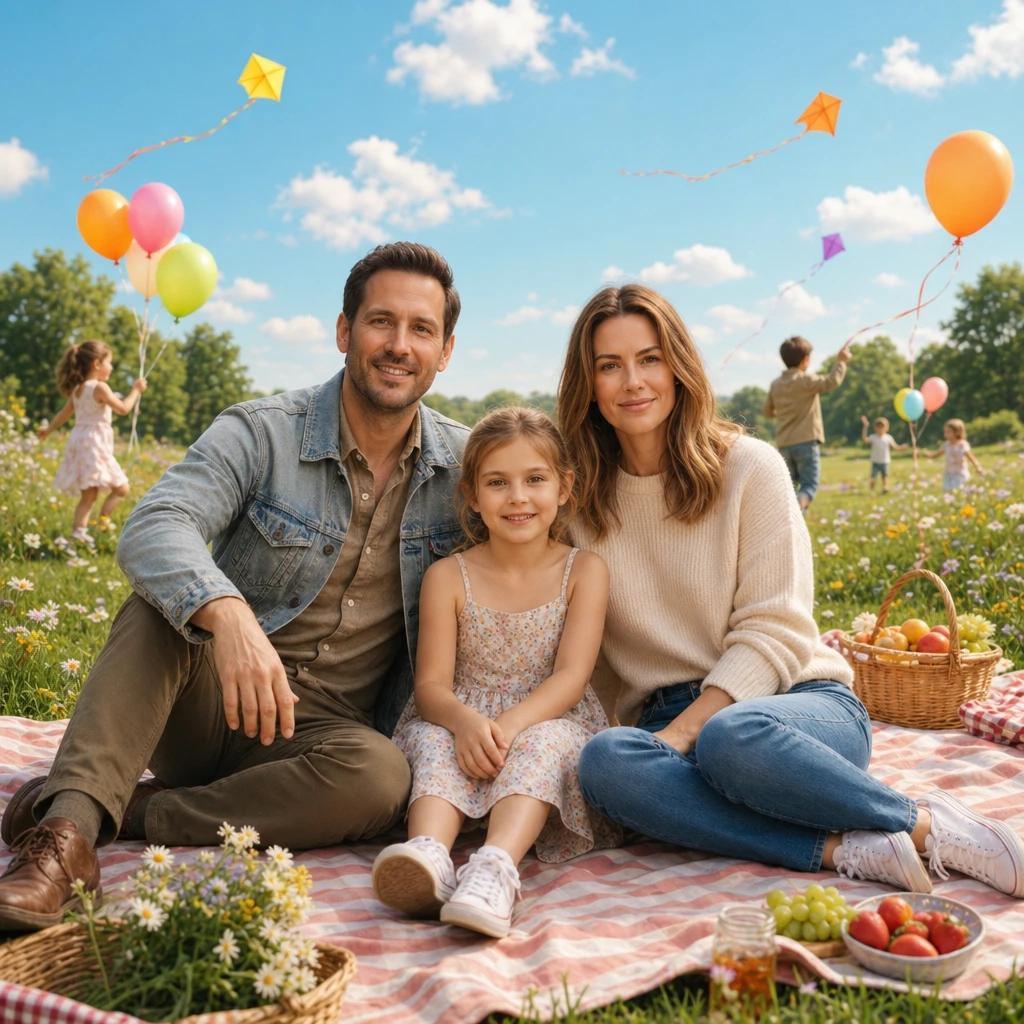
How it works
Step 1
Add a photo of each person
Use ordinary phone photos. They can come from different days, places and cameras. Likeness is usually strongest with about three photos.
Step 2
Choose where the picture takes place
Pick an outdoor, city, indoor, travel or seasonal setting, or upload your own background.
Step 3
Generate and review
Choose a square or portrait shape and create the picture. Check every face and hand. If something looks off, try again, because results vary between attempts.
When an AI family picture makes sense
A good fit when
- Relatives live far apart and rarely end up in the same place
- Work, school or travel schedules never line up for a photo session
- You have good photos of everyone, just not together
- You want a themed or seasonal picture for fun or for sharing
Probably not right when
- You need a true record of a real moment. An AI picture shows a scene that did not happen.
- You want every face, expression and detail to be exact. AI can change small details.
- Everyone can already get together. A self-timer or a photographer will capture the real thing.
- You need a large group picture. Beyond about three photos, people may look less like themselves.
Which photos work best
- Choose photos where the face is clear, well lit and not covered by sunglasses or a hat.
- Use one person per photo when you can, so it is obvious who should appear.
- Pick recent photos if you want everyone to look their current age.
- Avoid heavy filters, strong shadows and very small or blurry faces.
Common questions
Can AI put separate photos of family members into one picture?
Yes. You upload a photo of each person and choose a setting, and the AI creates a new picture showing them together. It is a newly generated image, so check the faces and details before you share it.
Will the people look exactly like themselves?
Not always. AI results vary, and small details such as expressions, hair or hands can change. Clear, well-lit photos help, and generating another version can often produce a better result.
How many people can be in one picture?
You can add up to 10 reference photos on the web, but likeness and facial detail usually stay strongest with about three. With more, people may look less like themselves, so review larger groups carefully.
Is it free?
You need an account to get started. Creating pictures uses credits, which are available through paid options.
What happens to the photos I upload?
Temporary processing copies are typically deleted within 24 hours after generation. Photos and results saved to your account stay there until you delete them or delete your account. We do not sell your personal information. The privacy policy has the full details.
Should I use photos of other people?
Only use photos you have the right to use, and ask the adults in them first. Take extra care with pictures of children and of relatives who have passed away, and think about how other family members may feel before sharing.
Read the full privacy policy.