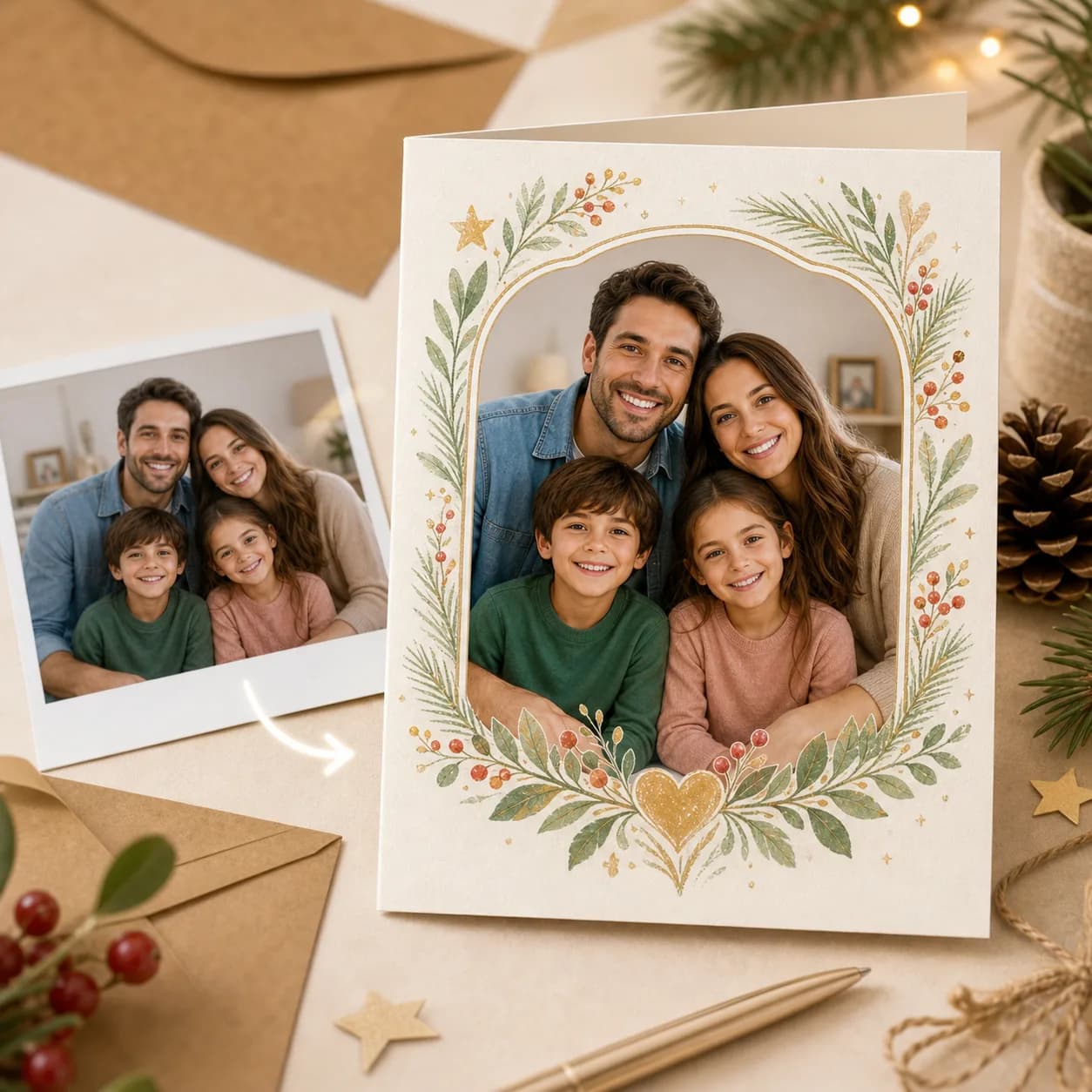
Seven card styles
Each style changes the setting and the outfits to suit the occasion, then adds a soft border and sometimes a short greeting placed away from faces. The same people stay in the picture, and no one is added.
- Christmas
- Warm lights, decorations and cozy holiday sweaters, with a greeting such as “Merry Christmas”.
- New Year
- Fireworks, confetti and party outfits, with a greeting such as “Happy New Year”.
- Easter
- Spring flowers, pastel clothes and a few Easter eggs in the background.
- Autumn
- Golden leaves, pumpkins and warm fall clothes, suited to Thanksgiving or a fall hello.
- Aurora
- Northern lights over a snowy landscape, with winter coats and a winter greeting.
- Birthday
- Balloons, streamers and a cake, with party clothes and a birthday greeting.
- Studio
- A clean studio portrait with a simple background and a short line such as “With Love”.
How it works
Step 1
Upload one photo
Pick a photo with everyone you want on the card. A clear shot where every face is visible works best.
Step 2
Choose a style
Christmas, New Year, Easter, Autumn, Aurora, Birthday or Studio. The style sets the scene, the clothes and the border.
Step 3
Generate and check
Review the faces, hands and any greeting text. Save the card you like, or generate again for a different version.
When an AI photo card is a good idea
Works well when
- You have a nice everyday photo but no seasonal one
- You want a holiday or birthday card without setting up a themed photo shoot
- You send cards by text, email or social media
- You want a few versions to choose from before deciding
Where it falls short
- You want to write your own message. You cannot type text onto the card; any greeting is added by the AI.
- You need a birth announcement, wedding or save-the-date card. The styles are holiday and greeting themes only.
- You want to keep the real outfits and background. Each style changes clothes and setting to fit the theme.
- You need a printed card in the mail. The card is an image you save and share; printing is up to you.
Choosing the photo
- Use a photo where everyone’s face is in focus and nobody is cut off at the edge.
- A tall or square photo suits the portrait card shape better than a very wide one.
- Leave a little space around the group so the border does not crowd anyone.
- Check any greeting the AI adds for spelling before you send the card.
Common questions
Can I make a Christmas card from a photo I already have?
Yes. Upload the photo and choose the Christmas style. The AI moves the family into a festive scene with holiday outfits and adds a card border, and may add a greeting such as “Merry Christmas”.
Can I add my own message?
Not at the moment. You cannot type text onto the card. If you want your own wording, add it afterwards in a photo or design app.
Will the people on the card look like themselves?
The AI is told to keep the same people and faces and not to add anyone. Results vary, so check every face, and generate another version if someone looks off.
Is it free?
You need an account to get started. Making cards uses credits, which are available through paid options.
What happens to the photos I upload?
Temporary processing copies are typically deleted within 24 hours after generation. Photos and results saved to your account stay there until you delete them or delete your account. We do not sell your personal information. The privacy policy has the full details.
Read the full privacy policy.